Listen to your users and they will give you the keys.
SoftNas: Cloud High-Availability Research Project
Role: Principal UX Design Lead & UX Researcher
Location: Florida & Medway, MA (Remote)
Team Size: Individual contract (just me)
SoftNas – Research-Driven Product Innovation
The Challenge: Navigating the high-complexity world of Cloud Data Management and SaaS infrastructure.
The Solution: I applied a rigorous research-driven approach to SoftNas, conducting deep-dive user empathy sessions to simplify complex enterprise workflows. We focused on reducing support tickets by making high-level technical tasks feel intuitive.
The Impact: Measurable improvements in user activation and task completion rates for mission-critical cloud software.
Project Goals and Objectives: The primary goals include gaining customer experience insights, understanding and validating user personas, and testing product installation paths across various environments to identify smooth and friction points for UI consistency.
Admin User Testing: The project involves developing a screener to retain accurate test subjects, creating a self-moderation guide for UX testing, and conducting tests with Azure and AWS admins to gather data for a UX research report.
UX Research Report: The report will include patterns, findings, video clips, and key ideas to improve the product.
It will also suggest tier 1 and tier 2/3 design changes to enhance the user experience and transition from free to paid services.
UI/UX Design Focus: The redesign efforts will address current friction points in cloud management, such as creating and adding devices, configuring storage pools, and setting up SNAP High Availability (HA) capabilities.
Final Design and Launch Plan: The project will culminate in the final UI/UX design for AWS and Azure, with a soft launch on September 1 and a major launch event end of September.
This includes A/B testing, user acceptance testing (UAT), and aligning global marketing efforts.
Full breakdown of the project below the images.


UX Project Readout: SoftNAS CloudNAS Setup & High Availability
Project Overview
This project focused on evaluating the user experience of setting up and configuring the SoftNAS CloudNAS product in the AWS Marketplace, with a particular emphasis on the ease of initial deployment, storage configuration, and enabling high availability (HA) for enterprise use cases.
Research Goals
Assess the clarity and usability of the SoftNAS CloudNAS setup process for new administrators.
Identify pain points and opportunities for improvement in configuring storage pools, devices, and high availability features.
Gather actionable feedback from technically qualified users simulating real-world deployment scenarios.
Methodology
Approach:
Remote, moderated usability testing using the UserTesting.com platform. Participants were selected based on a technical profile and guided through a two-part scenario: initial setup/configuration and enabling HA.
Test Environment:
SoftNAS CloudNAS pre-installed in AWS Marketplace (1TB deployment).
Participants accessed the product via provided credentials and were instructed to select the AWS region closest to their location for realistic latency.
Documentation and support resources were made available via the product UI, SoftNAS website, and YouTube channel.
Key Tasks & Scenarios
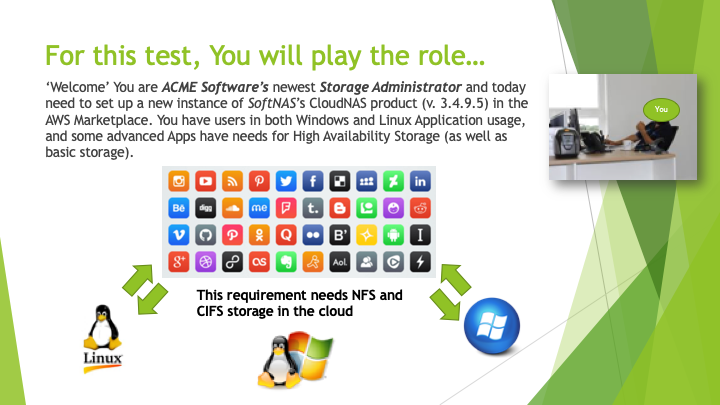
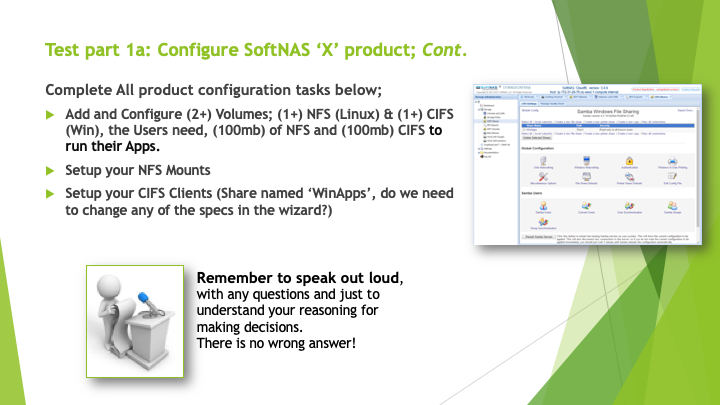
Part 1: Initial Setup & Configuration
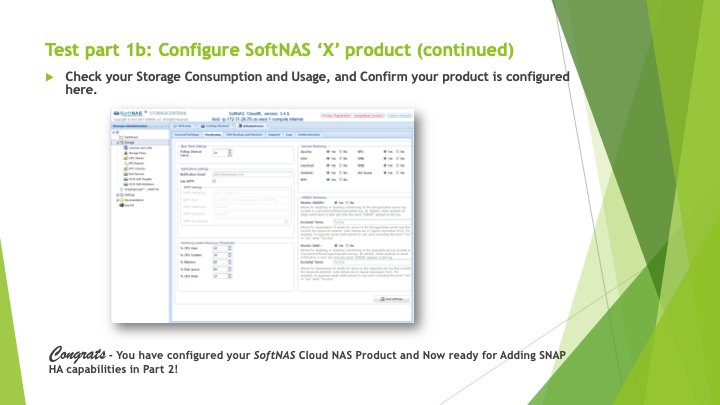
Access the SoftNAS CloudNAS console using provided credentials.
Create and add four storage devices (S3/EBS), each ~50GB.
Organize devices into two pools (RAID 0, ~100GB each).
Configure at least one NFS (Linux) and one CIFS (Windows) volume (100MB each).
Set up NFS mounts and CIFS shares (e.g., “WinApps”).
Perform basic data read/write operations to validate configuration.
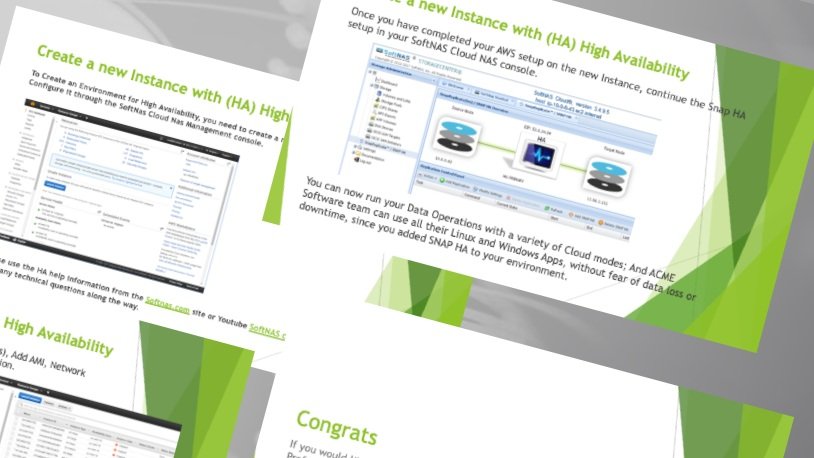
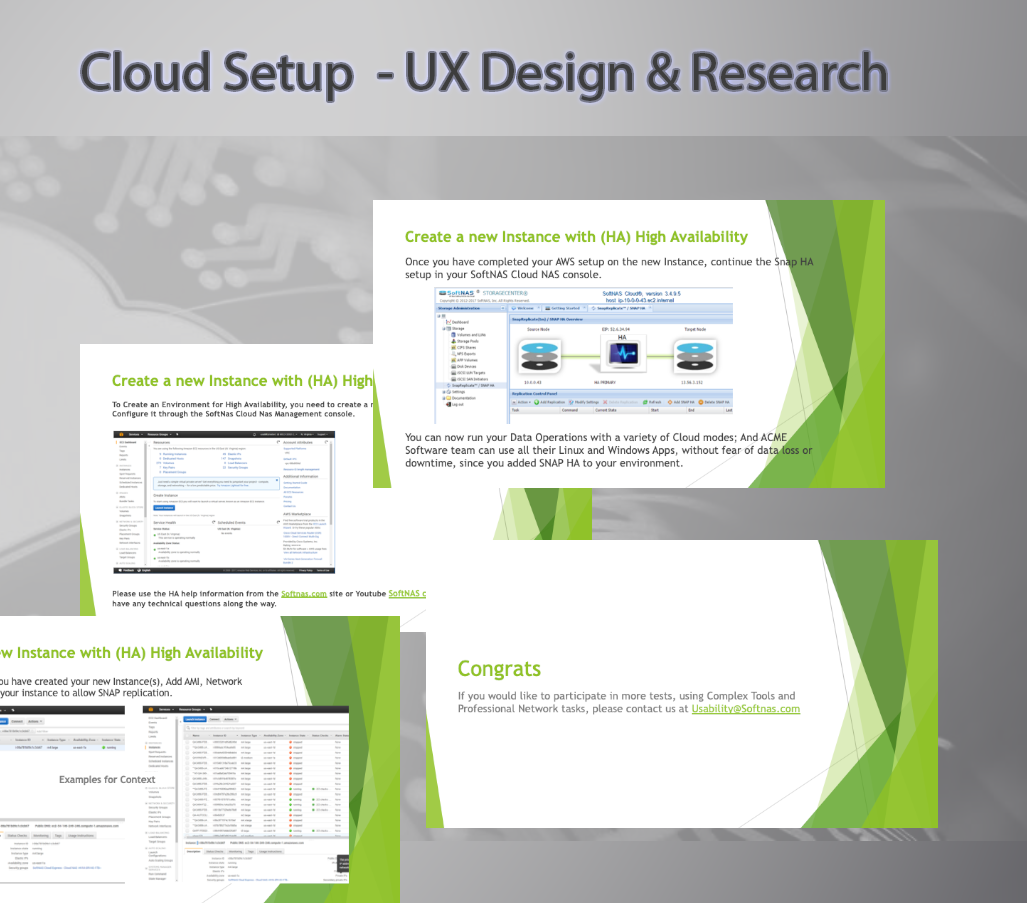
Part 2: High Availability (HA) Enablement
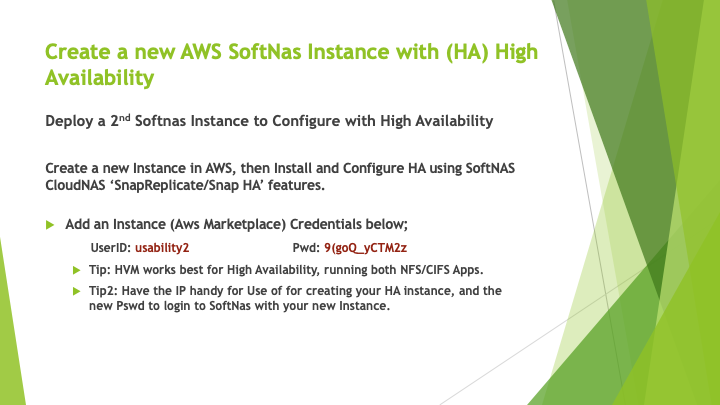
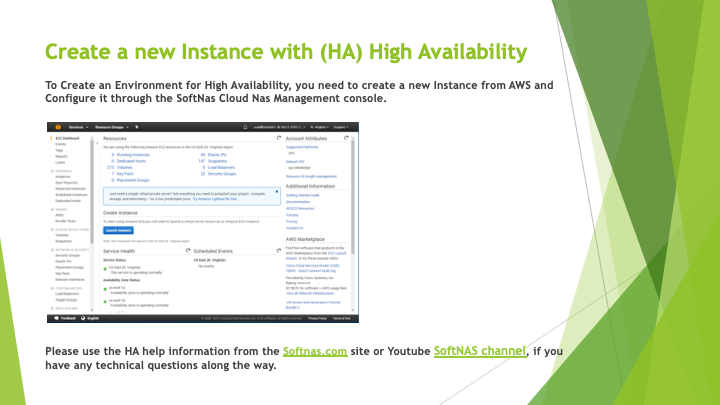
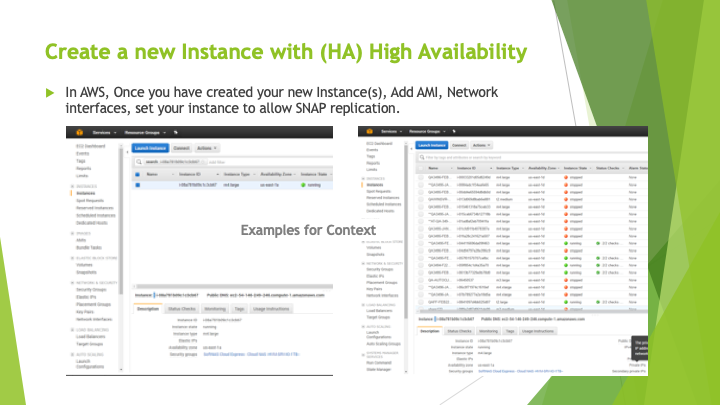
Deploy a second SoftNAS instance in AWS for HA.
Configure SnapReplicate/Snap HA features to enable redundancy.
Validate that the environment supports both Linux and Windows applications with no single point of failure.
Use documentation and support resources as needed.
Recommendations
Enhance In-Product Guidance:
Integrate contextual tooltips and quick links to documentation at each major setup step.Clarify Technical Requirements:
Provide a pre-checklist for AWS region selection, device types, and network prerequisites.Streamline HA Setup:
Offer a guided wizard for HA deployment, including automated validation of prerequisites.Expand Example Scenarios:
Include more real-world examples for NFS/CIFS configuration and troubleshooting tips.Feedback Loop:
Encourage users to share feedback directly from the product to continuously improve the onboarding experience.
Next Steps
Share findings with the product and engineering teams.
Prioritize enhancements to onboarding and HA setup flows.
Plan follow-up usability tests focusing on advanced features and edge cases.
Key Findings
Onboarding & Setup:
The step-by-step instructions and dedicated credentials streamlined the initial login and setup process. However, users noted the importance of clear guidance on AWS region selection and device configuration.Storage Configuration:
Creating devices and pools was generally straightforward, but some participants required clarification on RAID levels and optimal pool sizing for their use cases.Volume & Protocol Setup:
Setting up NFS and CIFS volumes was successful, though users appreciated having explicit examples for mount and share configuration.High Availability:
The process of deploying a second instance and enabling Snap HA was well-documented. Tips on using HVM for best performance and reminders to keep credentials/IPs handy were valued.Support & Documentation:
Easy access to guides and video resources reduced friction during complex steps. Participants highlighted the benefit of having links directly in the product UI.